It’s critical to keep your computing setup fully backed up, as I first noted in “Back up, Jack.” But that was almost five years ago, so what’s changed since then with my own backup practices? In some ways, not much, but in at least one way I may be making a significant change in my redundancy routine.
I remain a firm believer in the so-called 3-2-1 strategy, and have practiced it faithfully ever since August, 2017. While my hardware is different now, the procedure has remained the same. Locally, my Mac backs up to two different hard drives, one for Carbon Copy Cloner and one for Time Machine. As for the essential off-site backup, I’ve still been using Arq software with Backblaze B2 cloud storage and, since early 2022, have also been backing up to Arq’s own Arq Premium storage offering.1
The off-site backup is the part I’m thinking about changing, largely because of the cost involved. Whether you use Arq as a standalone product or in combination with Arq Premium (the latter is the better deal of the two), it’s still a yearly subscription. In 2017, I knew of nothing better. But now, while there are still some months left in the Arq/Premium sub, I’m thinking about going with only B2. Of course, you have to employ some software product to use B2, so I’ve looked for a cheaper way to do so, and I may have found it in Kopia.
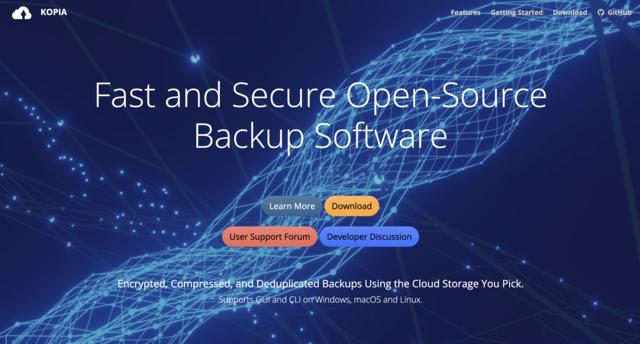
Kopia is free open-source software that’s available in both CLI and GUI forms for macOS, Linux, and Windows. It supports backups to a variety of sources, among them Backblaze B2. While its interface is a bit rough around the edges compared to Arq and other for-pay backup apps, it works well enough in my testing as of now.
As a matter of fact, I’ve taken my Arq-to-B2 pipeline out of the mix and replaced it with Kopia-to-B2, and so far have been very pleased with the results.2 Specifically, each Kopia-done backup takes up less space on B2 — thus lowering my Backblaze bill — and performs each hourly backup to B2 more intelligently and much more swiftly than did Arq. The documentation explains how.
Obviously, the main thing I must evaluate is Kopia’s overall safety and reliability in handling and backing up my files. Still, if the Kopia-to-B2 process continues to work well, it’s entirely likely that I’ll use it to replace both Arq and Arq Premium when those subs expire.
I started using Arq Premium at a time when I’d decided to drop B2 for a while, but I returned to B2 some months ago, thinking I might drop Arq Premium when its sub ends while keeping just a sub for the Arq software. That was before I learned of the Kopia app about which I’m writing this post. ↩︎
Incidentally, the Kopia website, including all its documentation, is built in Hugo, so that certainly doesn’t hurt its cause in my eyes. ↩︎
Latest commit (0a8f8218a) for page file:
2024-02-04 at 2:01:57 PM CST.
Page history